

Big Mike 4
Survivor
- Joined
- Oct 7, 2012
- Messages
- 229
- Reaction score
- 156
This mod is so cool! I think that everyone should get this i really like this mod because you can message your friends that are on different servers as you. So if i want to message Biffington that is on us7 while im on us1. He will get the message and he will be able to reply in game by pushing F4.
Yes i know that the rules state: "Anything outside of a vanilla client that provides an unfair advantage (x-ray, minimap, radars, forcefields, speedhacking, ect.) is considered modded or hacked! If you use mods to increase your FPS or textures like the watermod, it's OK! We just don't like the ones where you modify your characters performance." Well this mod doesn't give you an unfair advantage its making your minecraft alot better!
Here are some screenshots:
Yes i know that the rules state: "Anything outside of a vanilla client that provides an unfair advantage (x-ray, minimap, radars, forcefields, speedhacking, ect.) is considered modded or hacked! If you use mods to increase your FPS or textures like the watermod, it's OK! We just don't like the ones where you modify your characters performance." Well this mod doesn't give you an unfair advantage its making your minecraft alot better!
Here are some screenshots:
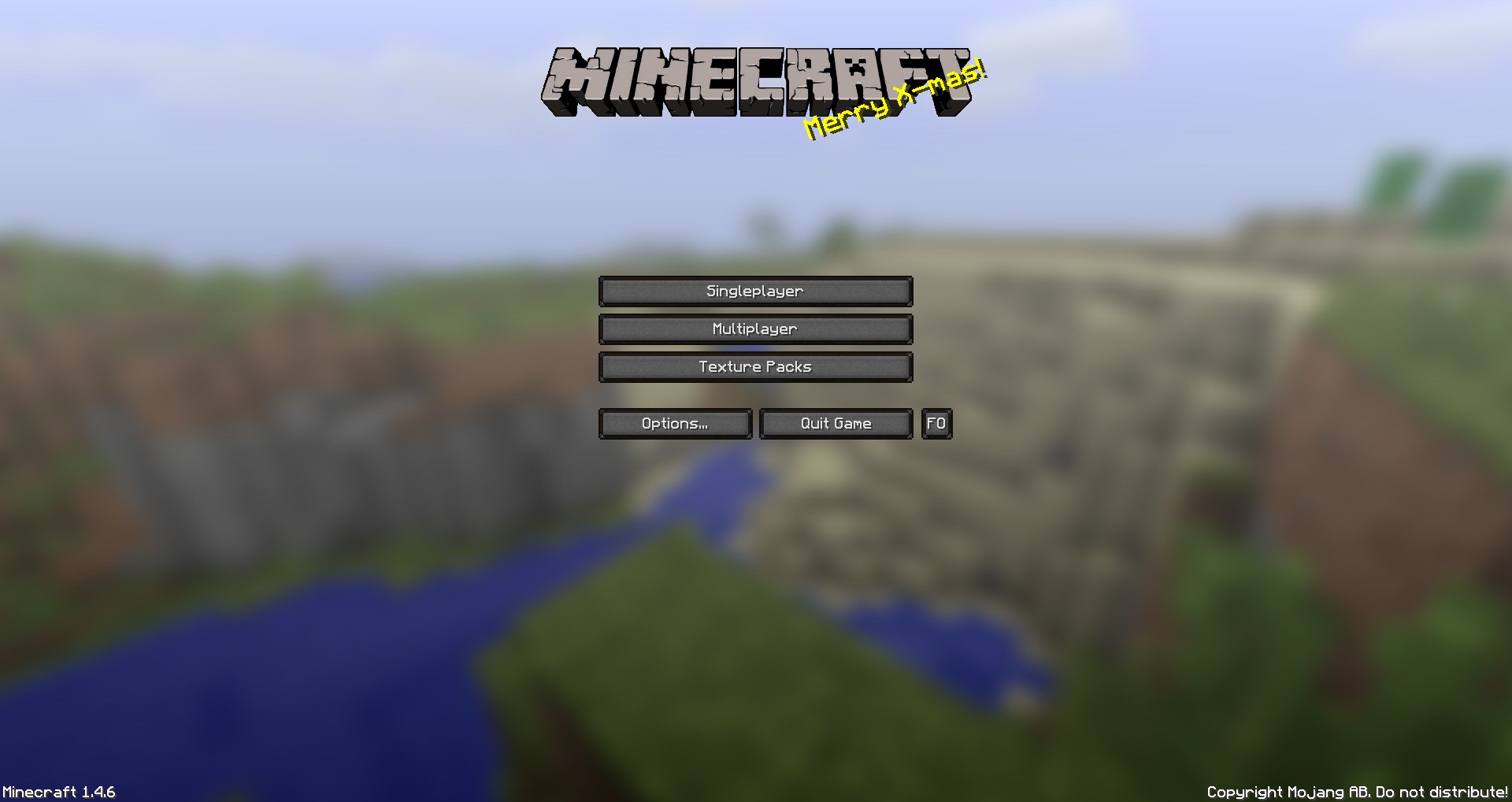
This is the first screen that would come up when you make Minecraft. You can also access Friends Overlay by clicking on the FO button on the Minecraft Menu.
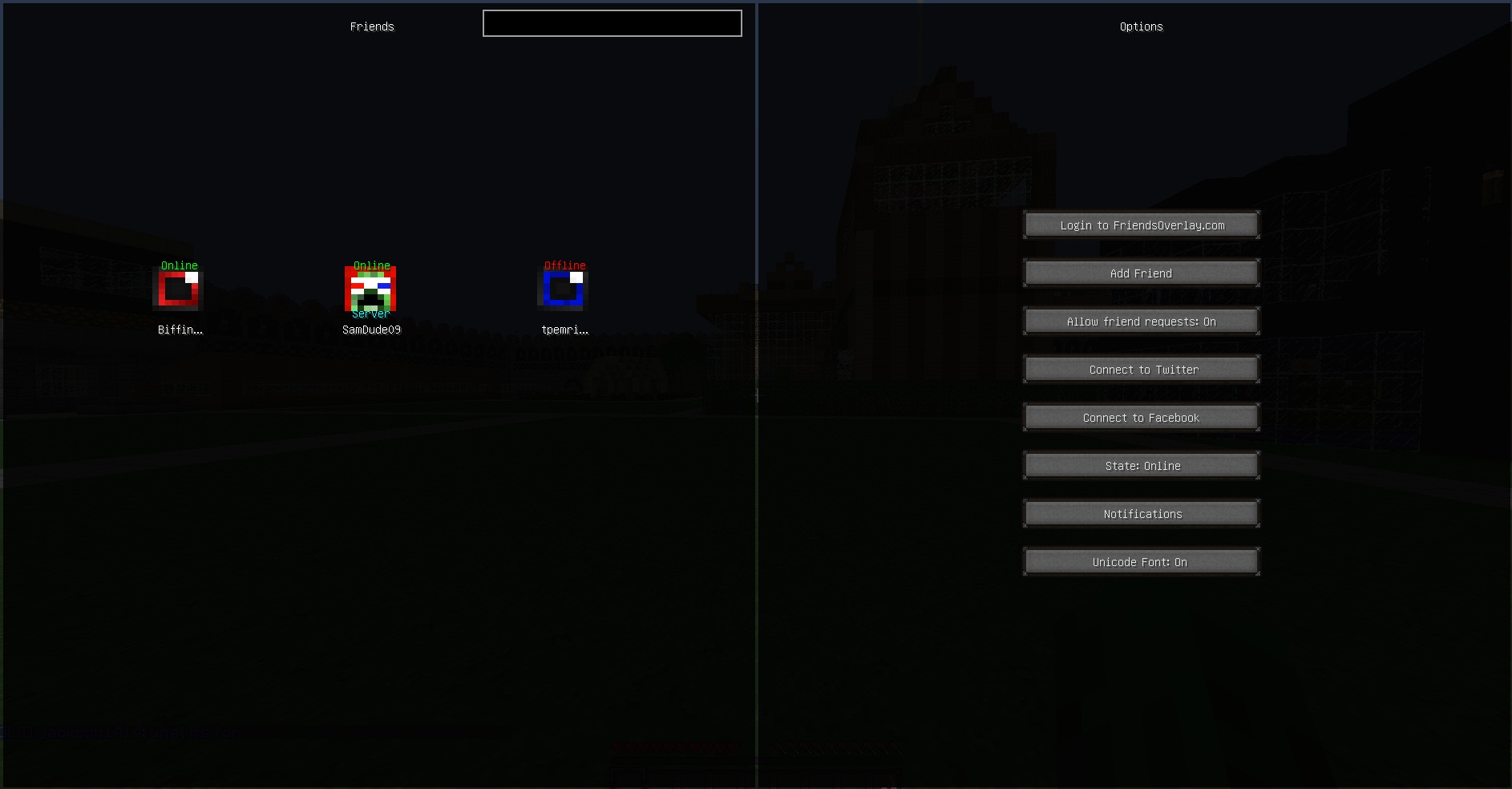
If you click on that this opens up:
This is the first part of Friends Overlay. You press F4 and the FO button on the Minecraft Menu to get to this screen. At the screen you can do many things.
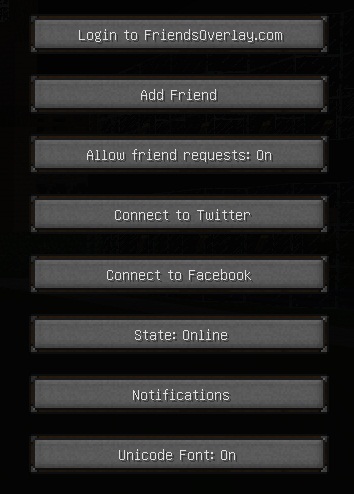
These are other options on the Friends Overlay mod. If you want to add someone click 'Add Friend' and type in their name but, they have to have Friends Overlay to accept your friends request. When someone sends you a friend request and you want to accept it all you have to do is right click it and hit accept it. You can look more into these options when you get the mod. ;D
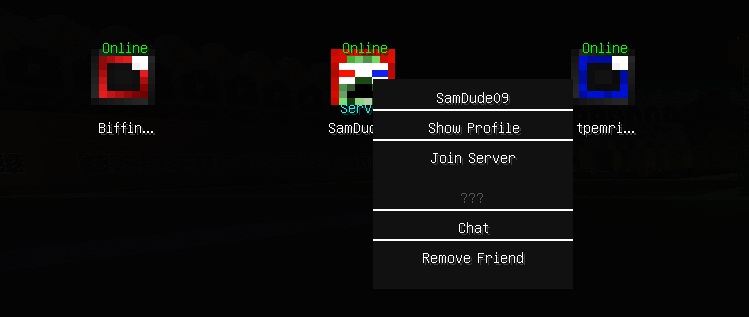
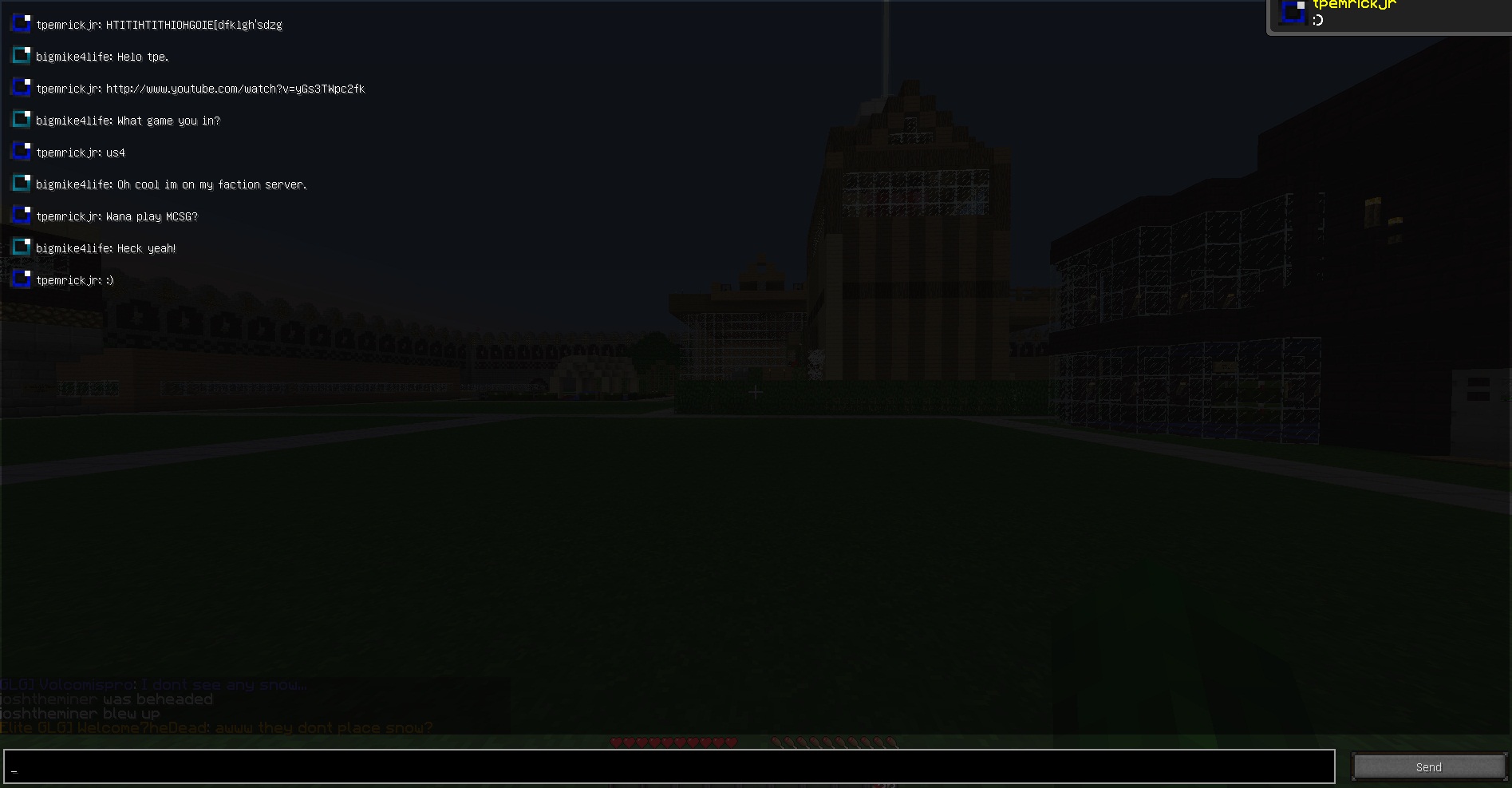
One thing you can do is right click on the player. You can either join an Minecrafft server by clicking that Join Server button. Which that doesn't always work because of some bugs. You can also click on Chat which will bring up this window.
When you get to this Chat part there will not be any chat. But when you get here type in the chat and hit enter and your message will go to the top. Then after your done hit 'Esc'.
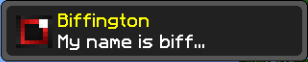
So when your friend messages back this will pop up in the right hand corner. Not with the same text as "My name is biff..." but whatever they say will go there.
Here is a video that AntVenom posted a while back reviewing the mod.
Since AntVenom's video is rather old tell me if you want me to make a video on how i installed this mod!
Welp that concludes the most part of this guide.
Thanks for checking this out and please give me feed back!
Also you might want to use MagicLauncher. That is what i use. MagicLauncher is something that makes mods a whole lot easier to use.
I DID NOT MAKE THIS MOD AND IN NO WAY TAKING CREDIT FOR ITS CREATION.


